

A comparison of seven checkout tools that keep church AV gear from disappearing between Sundays
I've watched a wireless lav pack leave in a volunteer's backpack after Christmas Eve and not surface until February. Nobody stole it. Nobody even remembered having it. That's how church gear disappears: a hundred small Sunday-morning handoffs nobody wrote down. Add up the lapel mics, XLR cables, and tripods, and a ministry can quietly bleed thousands of dollars a year.
More laminated signs will not fix it. What fixes it is a checkout system volunteers will actually use at 8:40 on a Sunday morning, including the one who joined last week. Here are seven tools that can do the job.
How this ranking was built: I judged each tool on how fast a first-time volunteer can complete a checkout, whether it requires an app, how it handles reservations and overdue gear, and whether the pricing suits a ministry budget. Confirm details on each company's site.
Quick ranking
1. WhoHasGear — best overall for QR-based checkout.
2. Cheqroom — best for large production operations.
3. Shelf — best open-source option.
4. itemit — best for maintenance reminders.
5. Sortly — best for photo-based inventory.
6. Reftab — best if IT runs the gear closet.
7. Snipe-IT — best free self-hosted option.
1. WhoHasGear.com — Best overall
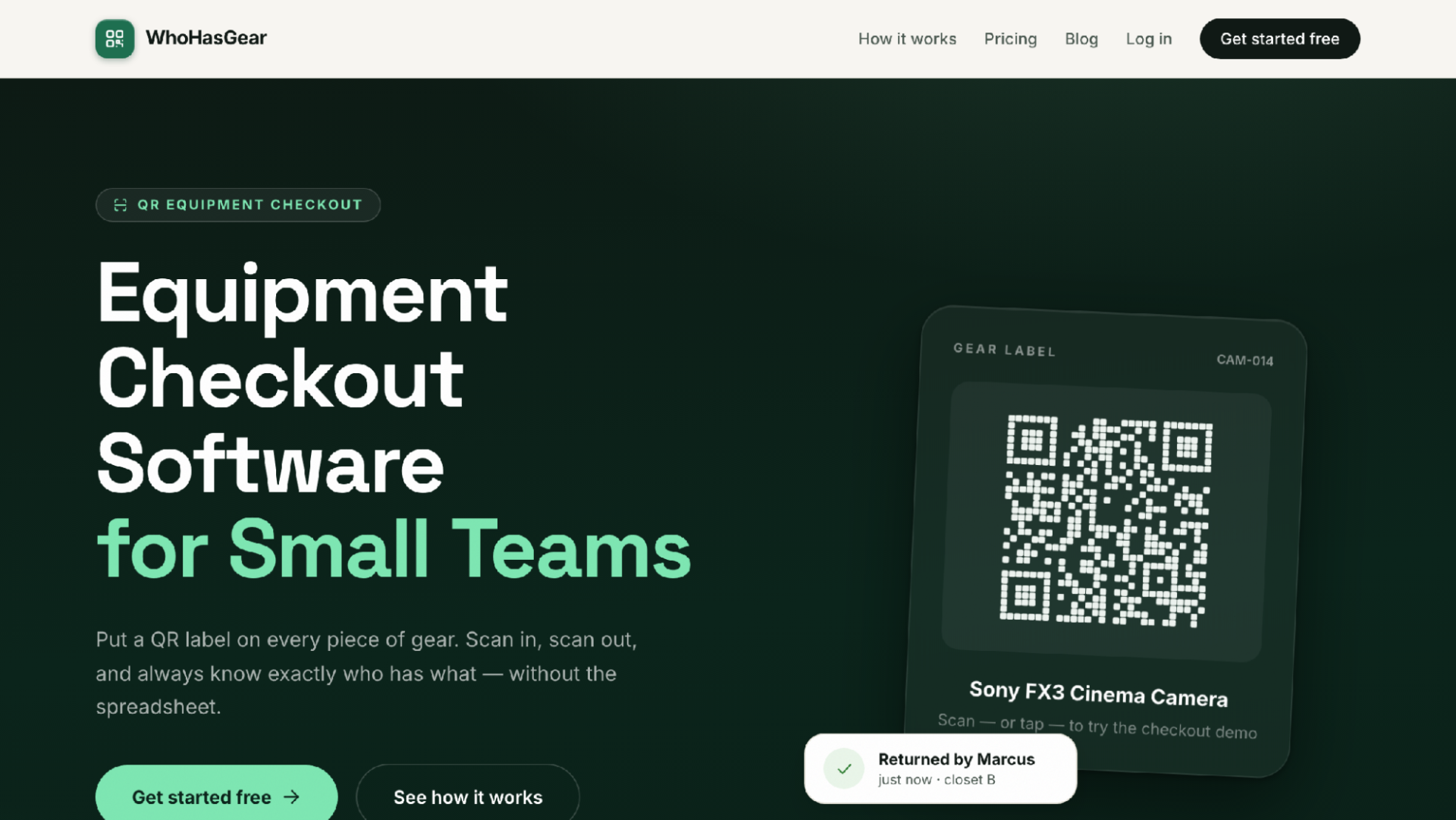
WhoHasGear.com homepage
The tagline is "Know who has every piece of equipment," and that is genuinely the whole product. WhoHasGear is QR-based checkout and reservation software built for small teams, and church AV crews are one of the audiences it names. Setup is short. Add gear one item at a time or import a CSV, print the generated QR labels on ordinary Avery sheets, and stick one on every mic pack, camera body, and cable bin.
The checkout is where it earns the top spot. A borrower points any phone camera at the label. No app, no account. The item's page opens, they type their name, pick a due date, and walk out with the tripod. Cutting the app-install step is the difference between a log that gets used and one that gets skipped. Meanwhile the AV director gets a live board: checked out, due today, reserved, overdue, available. Overdue items float to the top, so you can see before soundcheck who still has the Shure SM7B. Reservations block double-booking, which matters when the youth retreat and the main service want the same camera.
Every item carries a full custody history, who had it, when, and what shape it came back in, with damage notes and photos you can export. Pricing is the part I like most. Your first 50 items are free, with your whole team and real QR checkout, no credit card. Paid plans start at $79 a month, priced by inventory size, never per person. A church AV roster might have fifteen rotating volunteers, and per-seat pricing punishes exactly that. WhoHasGear charges for the gear, not the people.
Best for: Honestly, most volunteer AV teams. If your core problem is "where did the mic pack go," start here.
Consider: A responsive web app, not a native app, and it deliberately stays in its lane: checkout and reservations, not IT asset management.
2. Cheqroom — Best for large churches with full production operations
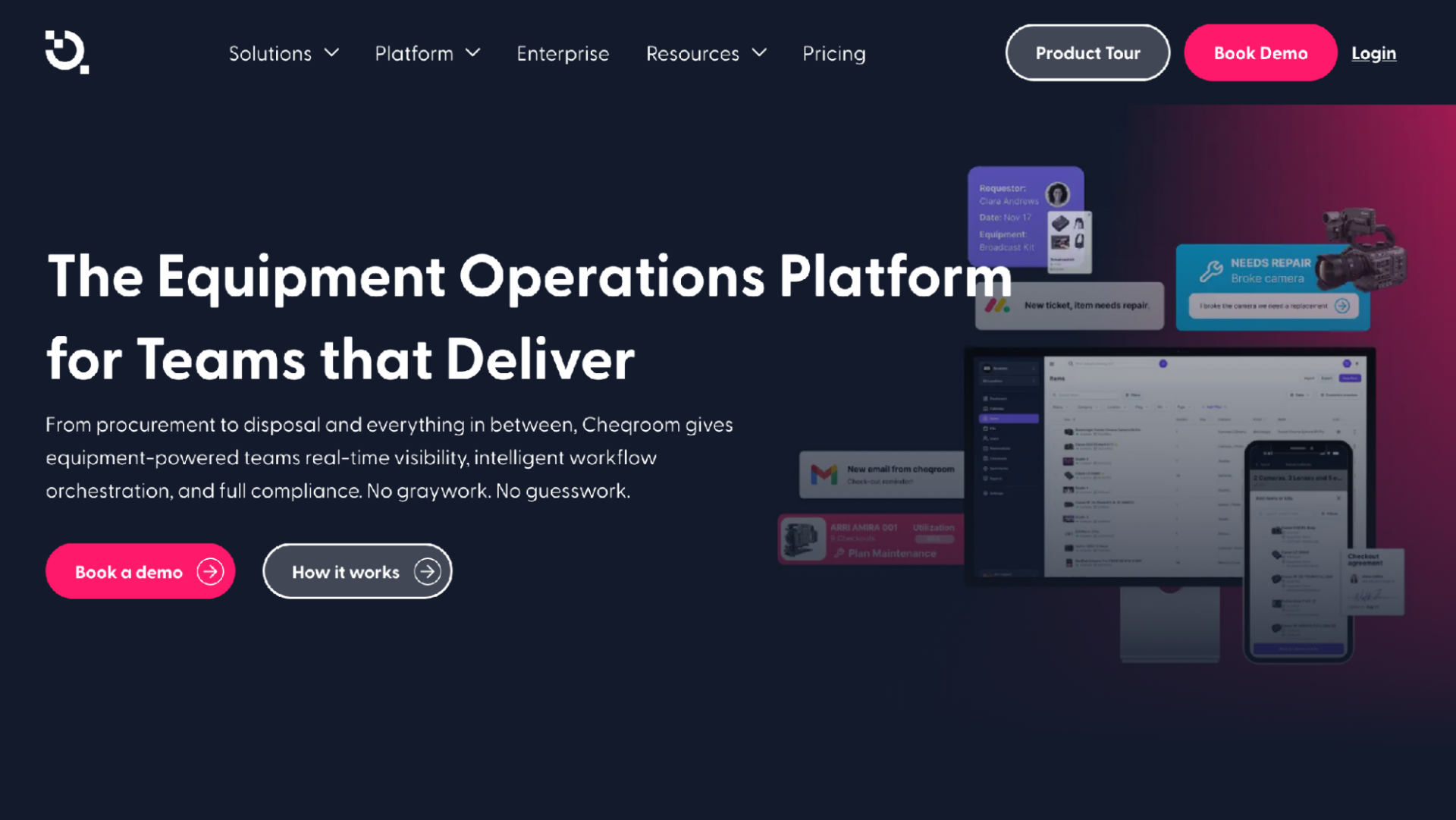
Cheqroom homepage
If your church runs weekly livestreams across multiple campuses with paid production techs, skip ahead to this one. Cheqroom covers the whole equipment lifecycle, from booking and checkouts through custody, audits, maintenance, and reporting, with a mobile app for field teams.
Worship is one of the industries Cheqroom markets to directly. Once your gear list runs into the hundreds and repair scheduling becomes its own job, the maintenance and audit tooling starts paying for itself.
But the scope cuts both ways. It carries more structure than a six-person volunteer team needs, and adopting it is closer to rolling out an operations system than printing labels.
Best for: Multi-campus churches with dedicated production staff. At that scale it's a real contender.
Consider: Overkill for a small booth. I would not hand this to a volunteer crew and expect it to stick.
3. Shelf — Best open-source option with a generous free tier
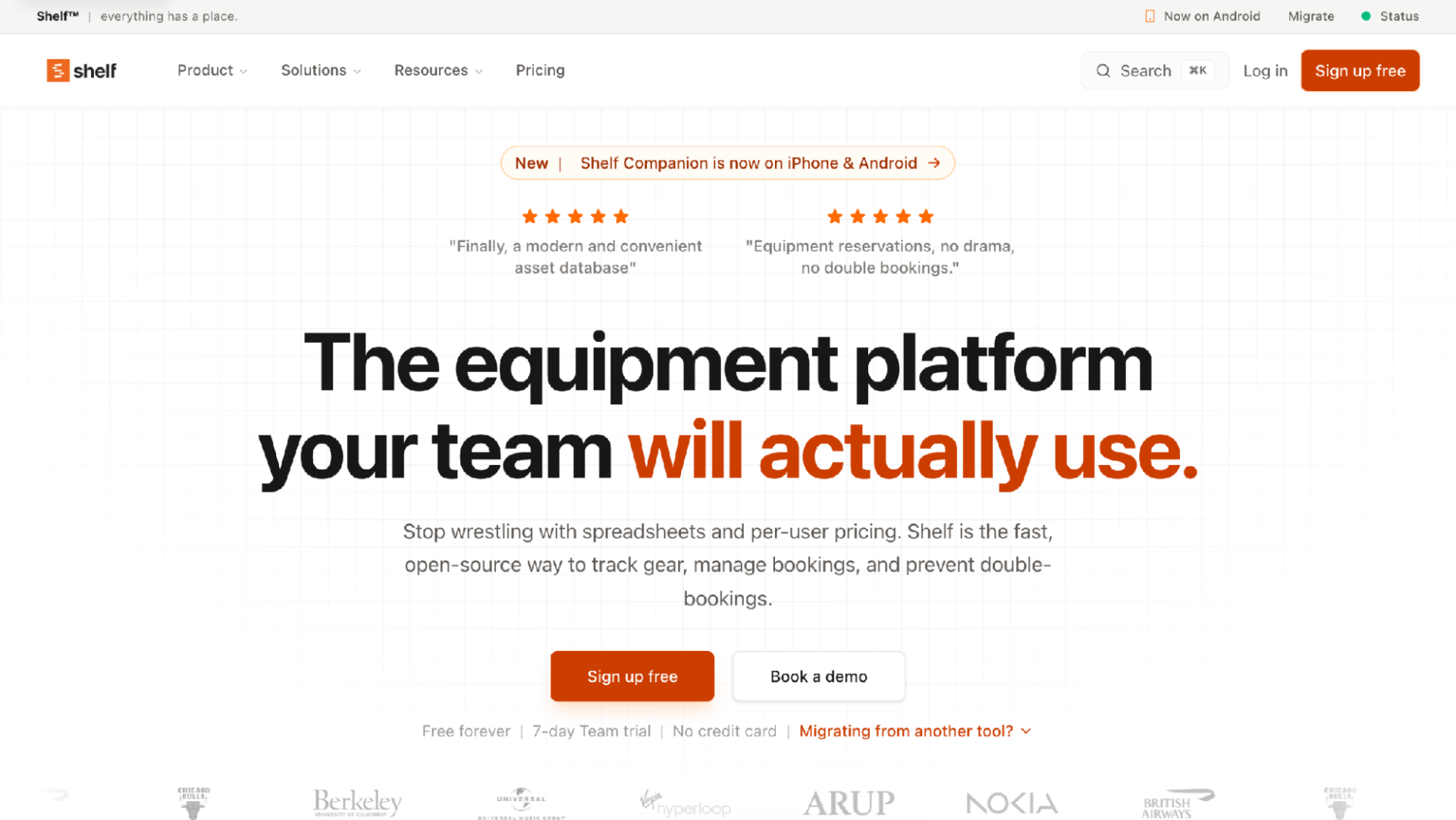
Shelf homepage
Shelf is open-source asset management aimed at replacing spreadsheets, and it avoids per-user pricing. The feature list is long for the price: bookings, custody tracking, audits, kits, consumables, reminders, and printable QR labels.
The kits feature is the standout for AV work. A "livestream kit" of camera, tripod, and audio interface travels as one unit instead of three separate checkouts. There's a free-forever tier, a mobile app, and public source code on GitHub.
The tradeoff is surface area. A broad open-source product asks more of its administrators than a single-purpose tool, and one person needs to own the setup.
Best for: Budget-conscious teams with a technical volunteer who enjoys this kind of thing.
Consider: More to configure than a dedicated checkout tool. If nobody wants to own it, don't pick it.
4. itemit — Best for maintenance reminders and multi-site tracking
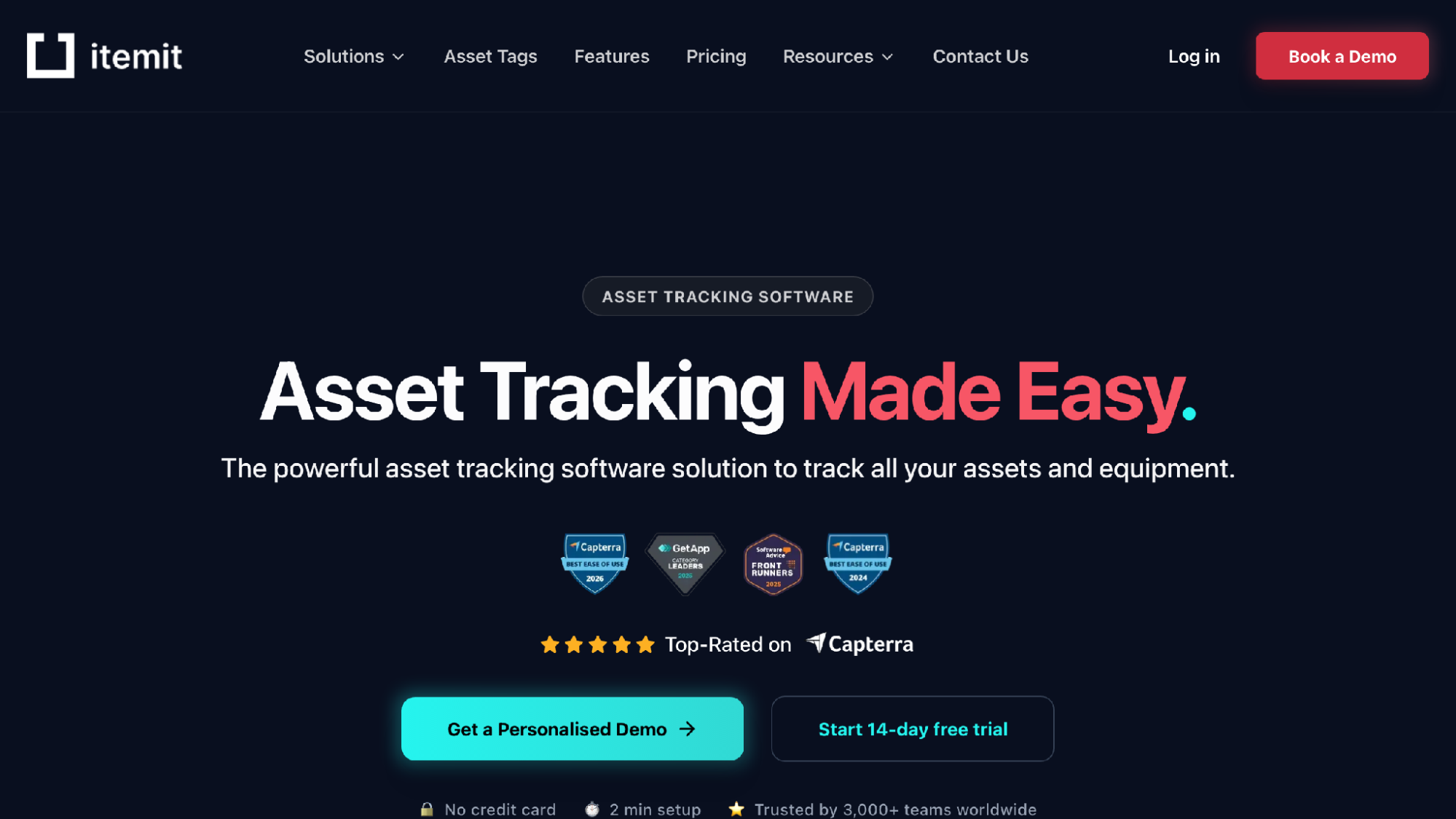
itemit homepage
What itemit does unusually well is item depth. Each record can hold purchase dates, warranty expiry, photos, PDF manuals, and custom fields, and it scans QR, barcode, and RFID. Checkouts support advance booking, issue logging, and automated maintenance reminders.
That depth is useful in a booth. Attaching the manual and warranty date to the projector record means the information is there when the lamp dies, and reminders keep a part-time tech director ahead of maintenance. There's an offline-capable mobile app, pricing by asset count, a free tier, and a 14-day trial.
For a pure checkout workflow it's broader than most church teams need.
Best for: Churches that care as much about warranties and maintenance schedules as about who borrowed what.
Consider: You're paying for depth a simple lending workflow won't use.
5. Sortly — Best for simple photo-based inventory organization
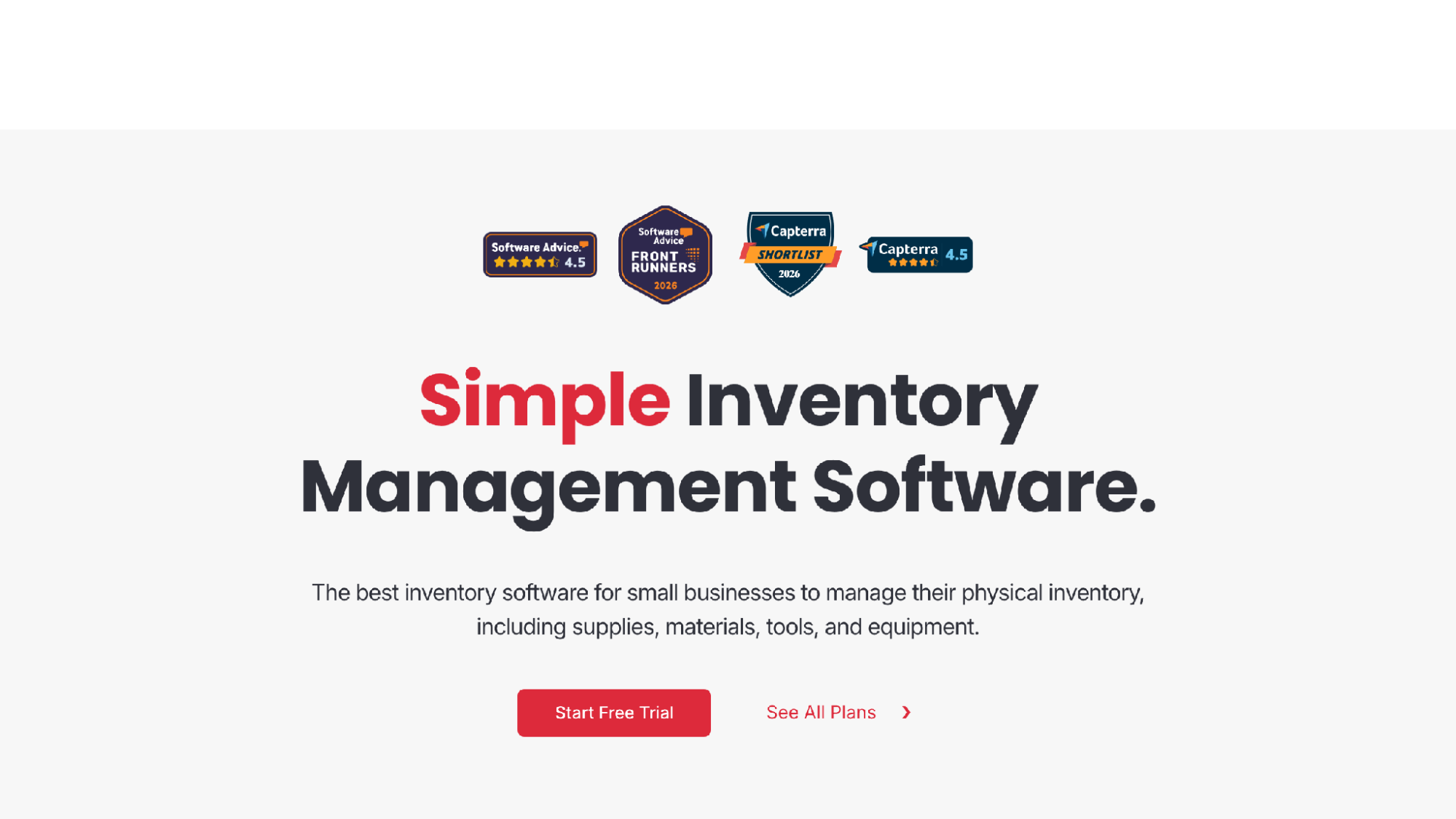
Sortly homepage
Sortly is inventory software, and I want to be clear about that up front, because it's the wrong tool if your problem is lending. It organizes items into folders by location or type, with photos, custom fields, CSV import, and in-app scanning.
Its real strength is visual clarity. A folder tree that mirrors your physical spaces, booth, stage cabinet, storage closet, with a photo on every item, lets anyone answer "what do we own and where does it live." Low-stock alerts cover batteries and gaff tape, which checkout tools ignore. There's a 14-day trial.
But a borrow-and-return loop with due dates and reservations is not the center of its design.
Best for: Teams whose bigger headache is knowing what they own, not who has it this week.
Consider: Inventory-first. Don't expect a real checkout loop.
6. Reftab — Best if the church IT department runs the gear closet
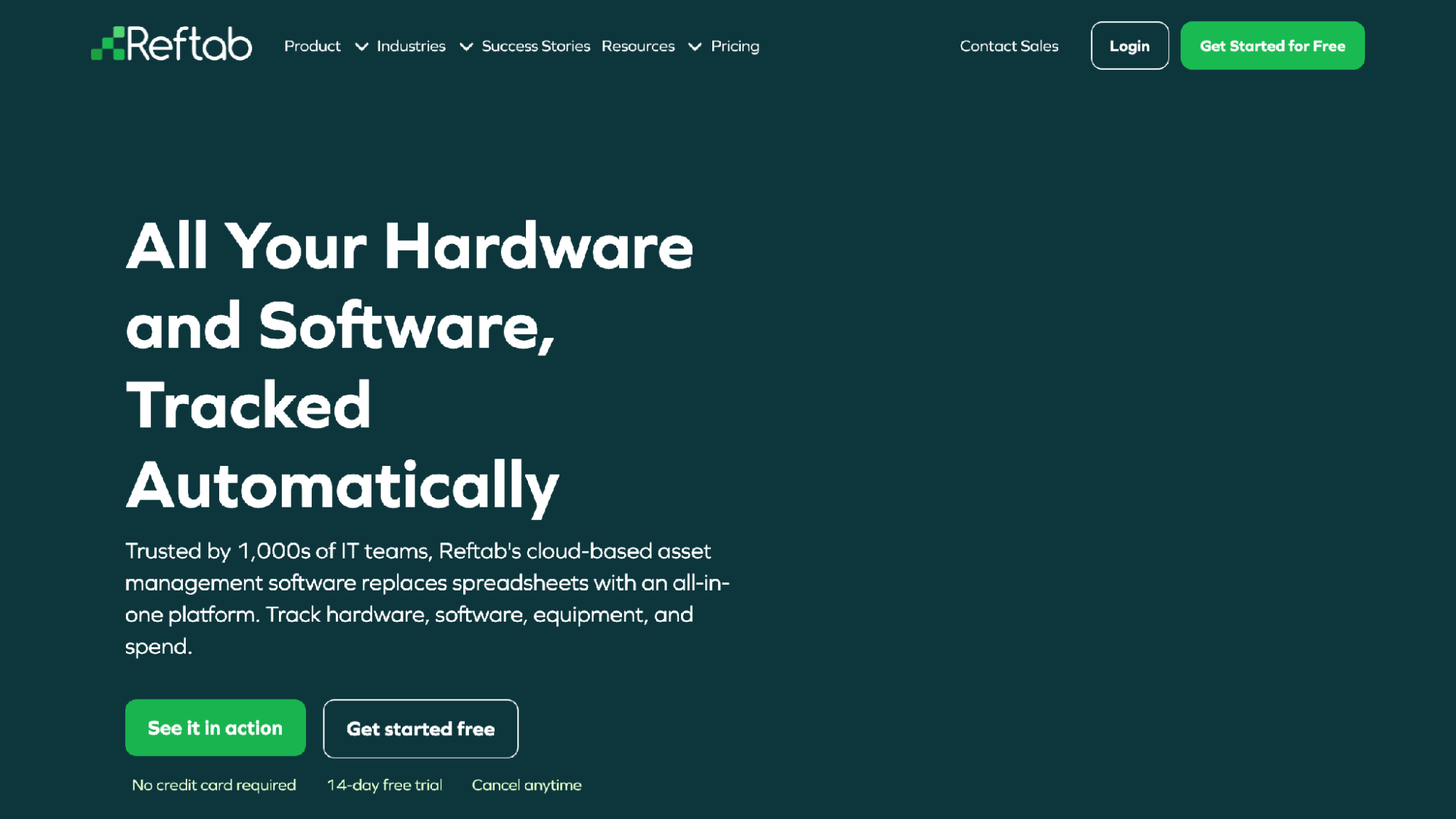
Reftab homepage
Plenty of churches have one staff member managing both the office laptops and the AV cabinet, and Reftab exists for that person. It's cloud-based asset management aimed at IT teams: hardware tracking, audits, maintenance, software licenses, and integrations with MDM, HR, and identity systems. It handles onboarding and offboarding, so equipment gets collected when people leave.
That offboarding workflow is quietly valuable in ministry, where intern turnover scatters chargers across three zip codes. There's a 14-day trial with no credit card.
Its center of gravity is IT operations, though, and identity-provider integrations mean nothing to a volunteer booth.
Best for: Churches whose IT staff already manage devices and want the AV gear in the same system.
Consider: If nobody on staff does IT asset management today, this is not where to start.
7. Snipe-IT — Best free self-hosted option for technical teams
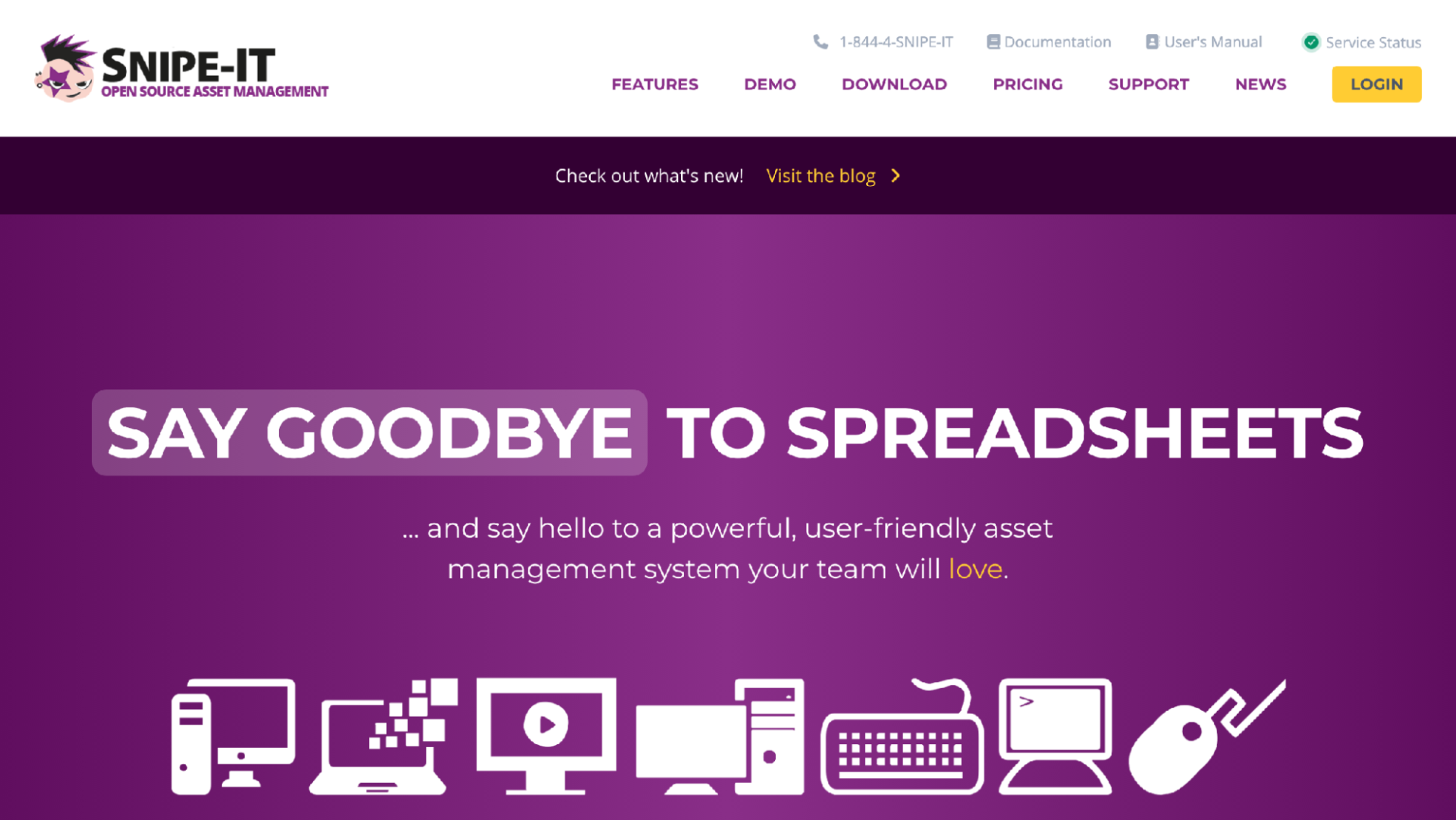
Snipe-IT homepage
Free forever if you self-host, and that pitch is a serious one for a church with a capable volunteer sysadmin. Snipe-IT is open-source IT asset management, widely used for checking assets out to people, with paid cloud hosting if you'd rather not run a server. A REST API lets a determined team wire it into whatever else they run.
The catch: someone owns updates, backups, and the server. And the interface is built for IT administrators, not a teenager scanning a tripod on the way out the door.
Best for: Technical teams who want a proven free system and genuinely have someone to maintain it.
Consider: Real admin ownership required, and casual borrowers will need hand-holding.
How to choose the right checkout system
Design for your least technical volunteer, not your most. The system only works if the seventeen-year-old on camera two logs the checkout while carrying a tripod and a coffee. Anything that demands an app install or an account gets skipped exactly when it matters.
Then match scope to problem. If gear walks off and nobody knows who has it, you need checkout, due dates, and custody history, and not much else. If your real pain is maintenance and warranties, a deeper platform earns its complexity. If IT already runs an asset system, consolidating there may beat a new tool.
And pilot before you commit. Label ten high-risk items, the wireless packs, the SD cards, the good camera, and run one ordinary month. Four real Sundays will teach you more than any comparison article.
Final verdict
For most church AV teams the answer is WhoHasGear: printed QR labels, scanning with no app, reservations that stop double-booking, a custody trail, free up to 50 items, and pricing by inventory rather than per volunteer. Cheqroom is the right call for big production-driven churches, Shelf is remarkable open-source value if someone will own it, Reftab suits closets already run by IT, and Snipe-IT stays the best free option for teams willing to host it. Whichever way you go, run a real month with it. The shared spreadsheet has already failed you more times than anyone wrote down.